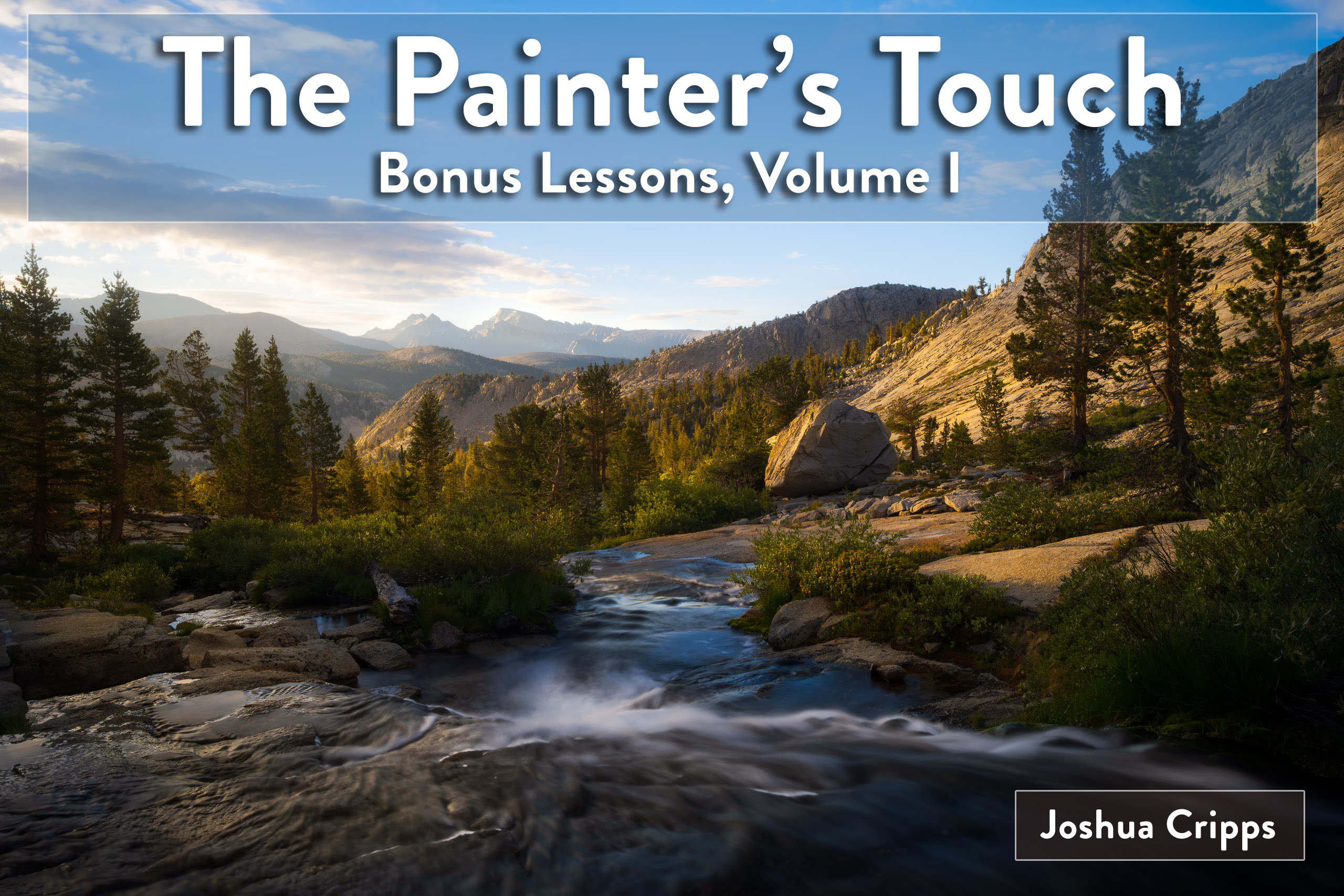
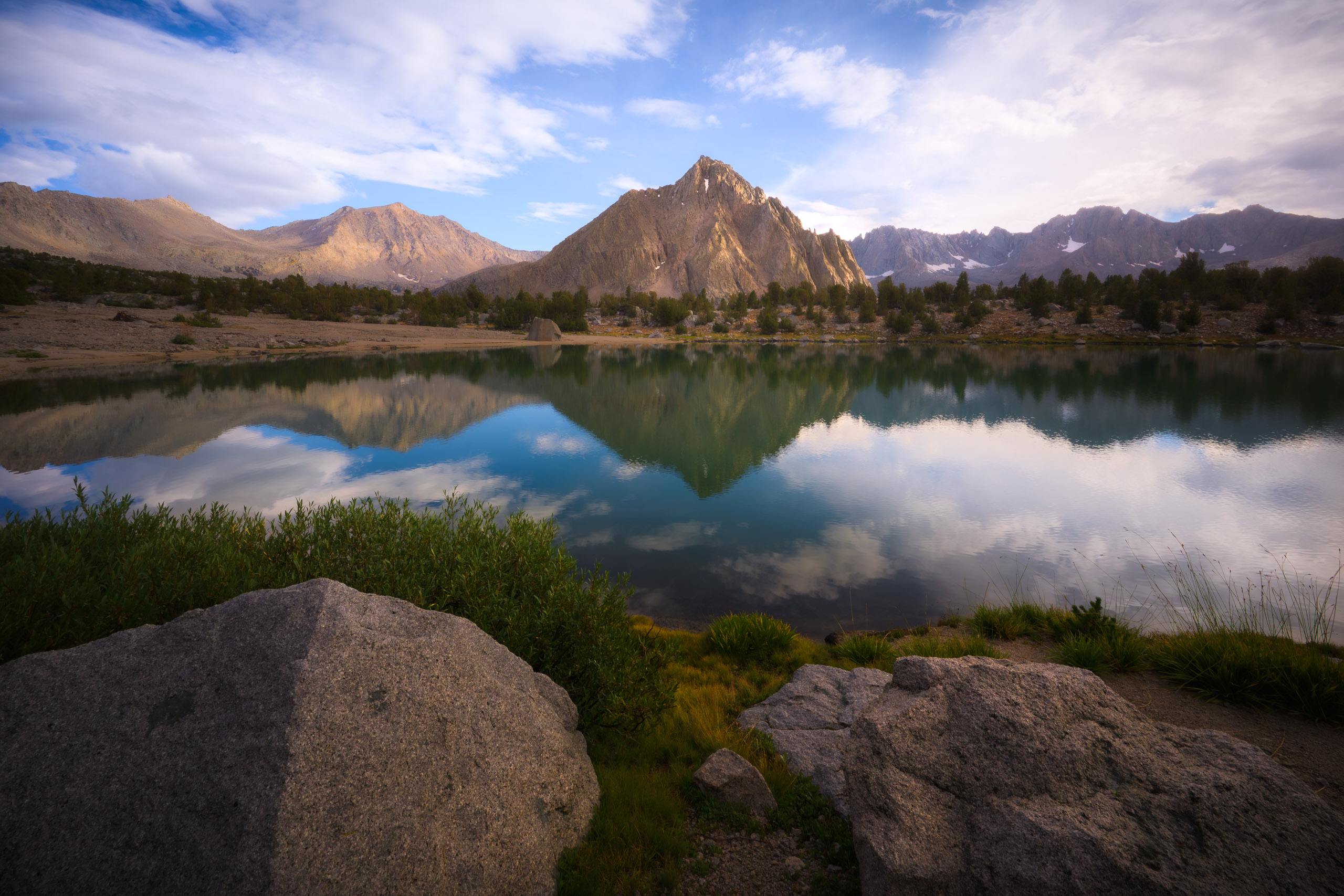
Some photos show a place. Others make you feel it.
This collection contains 4 Brand New Bonus Lessons for my all-time most loved course, The Painter’s Touch.
Imagine This…
You open a RAW file and see more than just what the camera captured: you see the painting inside the photo.
With every adjustment, the scene comes alive: light spills across peaks, mist builds in the valleys, colors sing in perfect harmony.
By the final brushstroke, you’ve created something that feels both timeless and uniquely yours.
That’s the power of the Painter’s Touch. And you can learn it.
Why This Course is Different
This is not about trendy filters, gimmicky presets, or over-the-top effects.
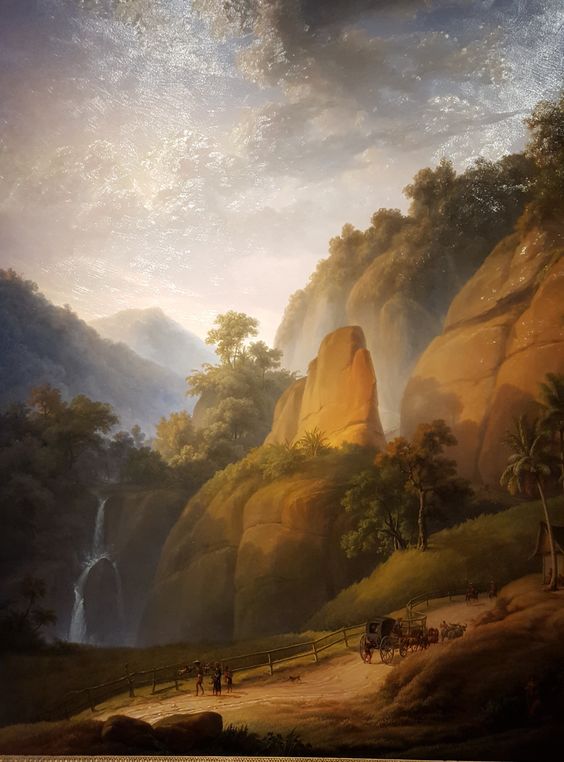
Instead, you’ll learn a deliberate, artistic workflow based on the principles that painters have used for centuries to create masterworks like this:
Light as Sculpture – Guide the viewer’s eye through the frame with intentional highlights and shadows.
Layered Depth – Create atmospheric perspective that makes your landscapes feel three-dimensional.
Color Harmony – Build rich, elegant palettes that enhance mood without overpowering the image.
Painterly Elegance – Refine your tones and details for a sophisticated, timeless look.
4 Complete Painterly Walkthroughs
Chapter 1: Milestone Creek
Transform a Flat High Sierra Raw File into a Luminous, Painterly Masterpiece
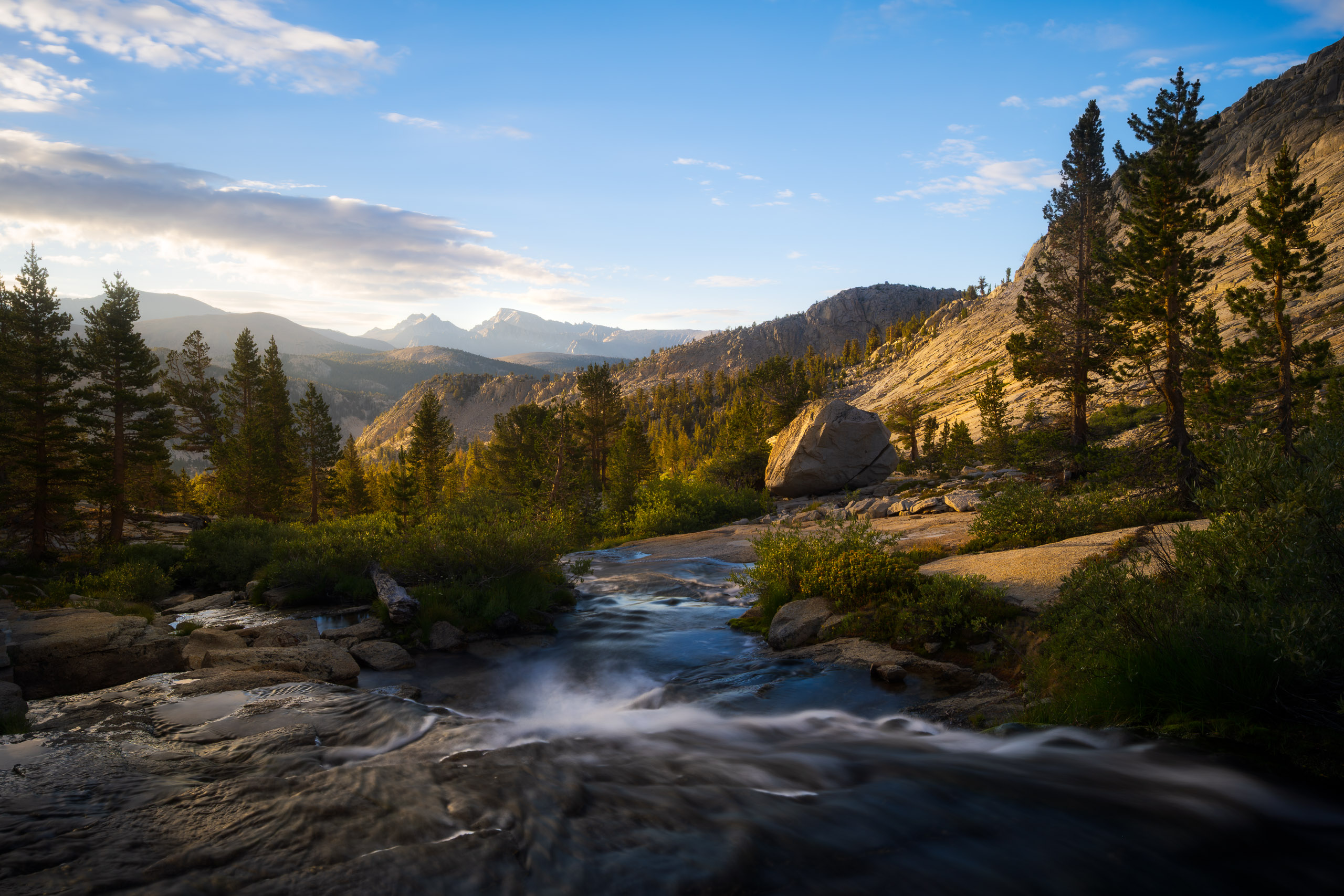
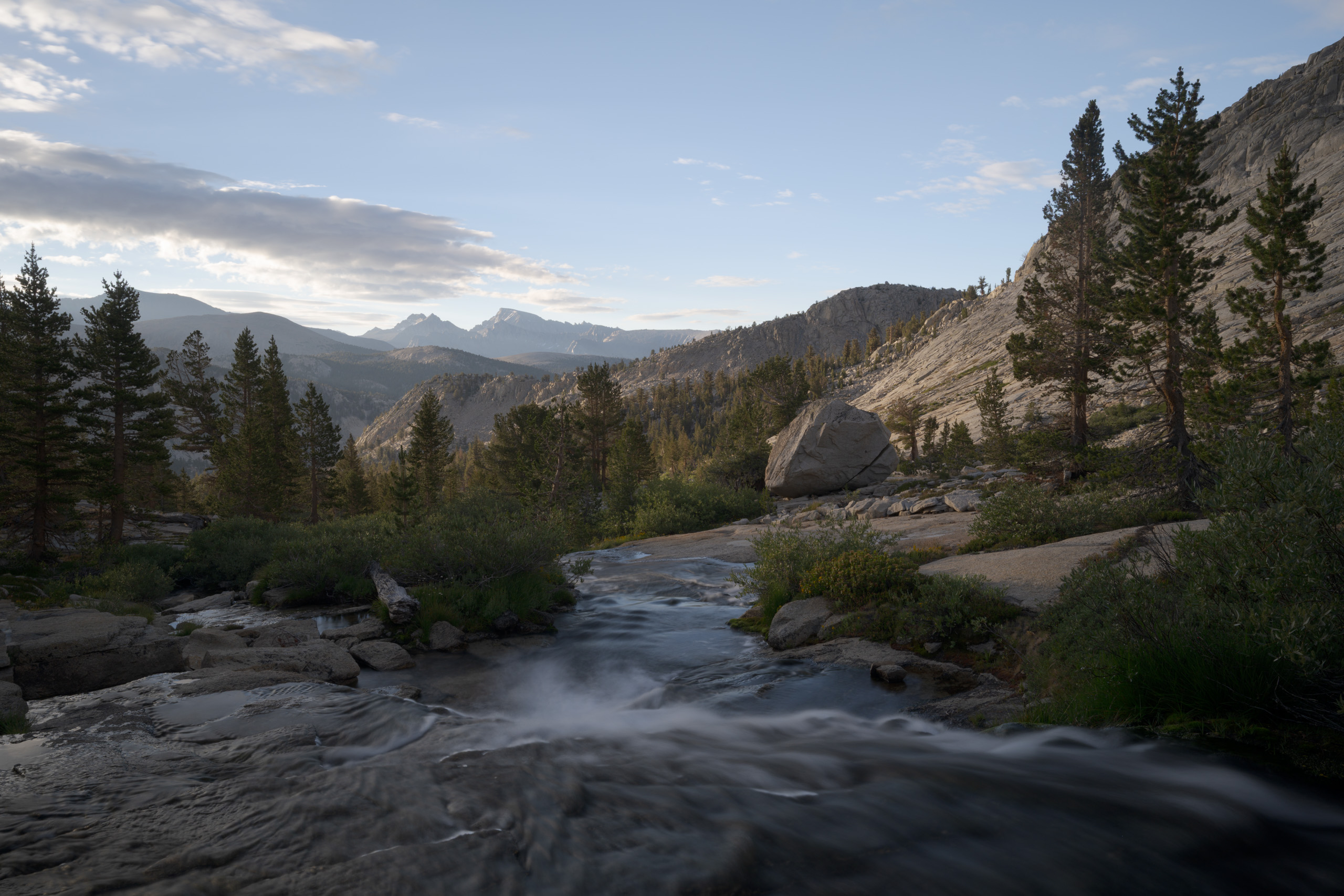
In this bonus walkthrough, we take a raw file captured at Milestone Creek, featuring a rare northwest view of Mt Whitney, and bring it to life from an ultra-flat Adobe Neutral starting point. Rather than relying on heavy-handed global sliders or unpredictable masks, you will learn how to create a dark tonal base so you can intentionally sculpt directional sunlight, warm atmospheric haze, and rich color right where you want the eye to go.
Chapter 2: Whitney Winter Sunrise
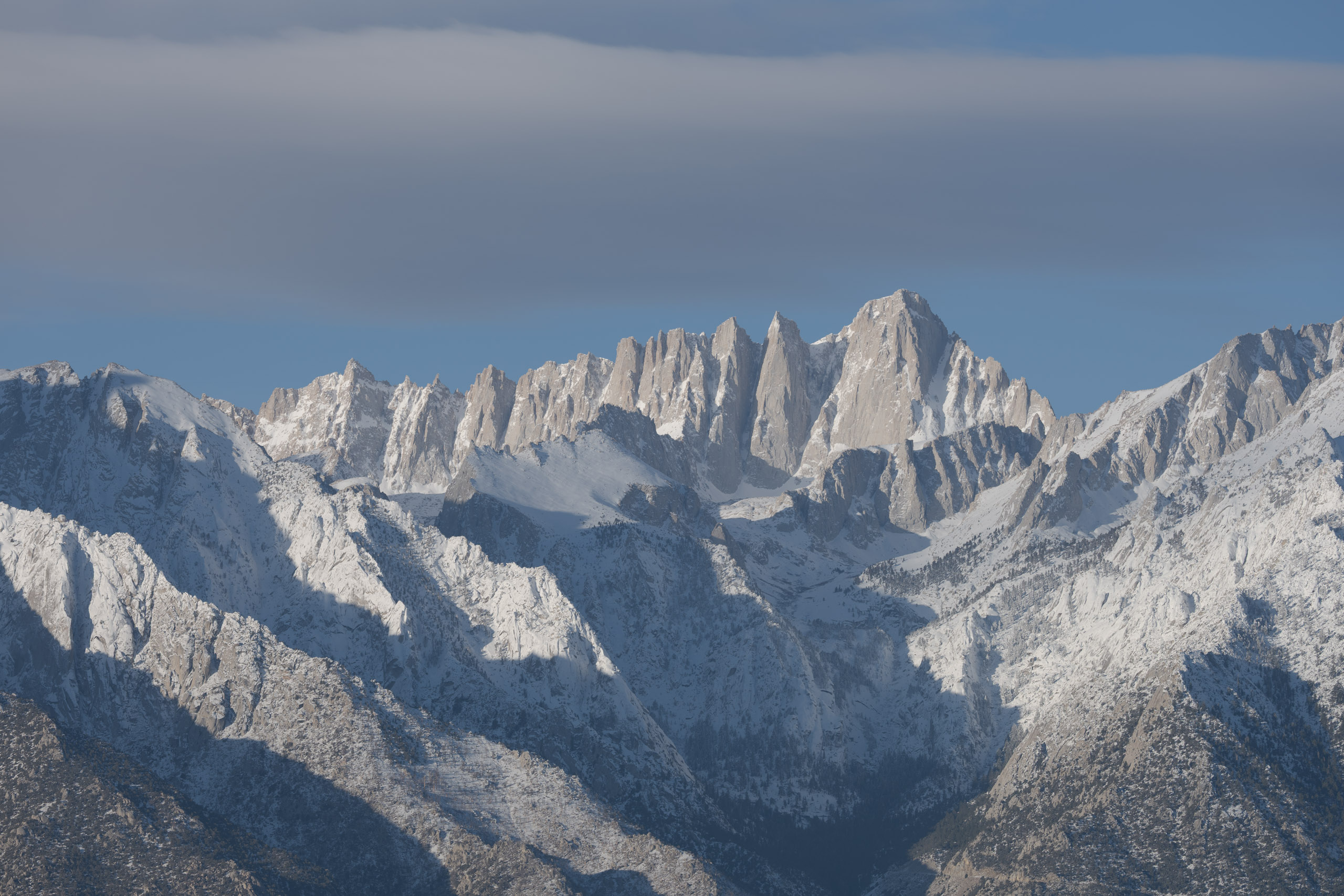
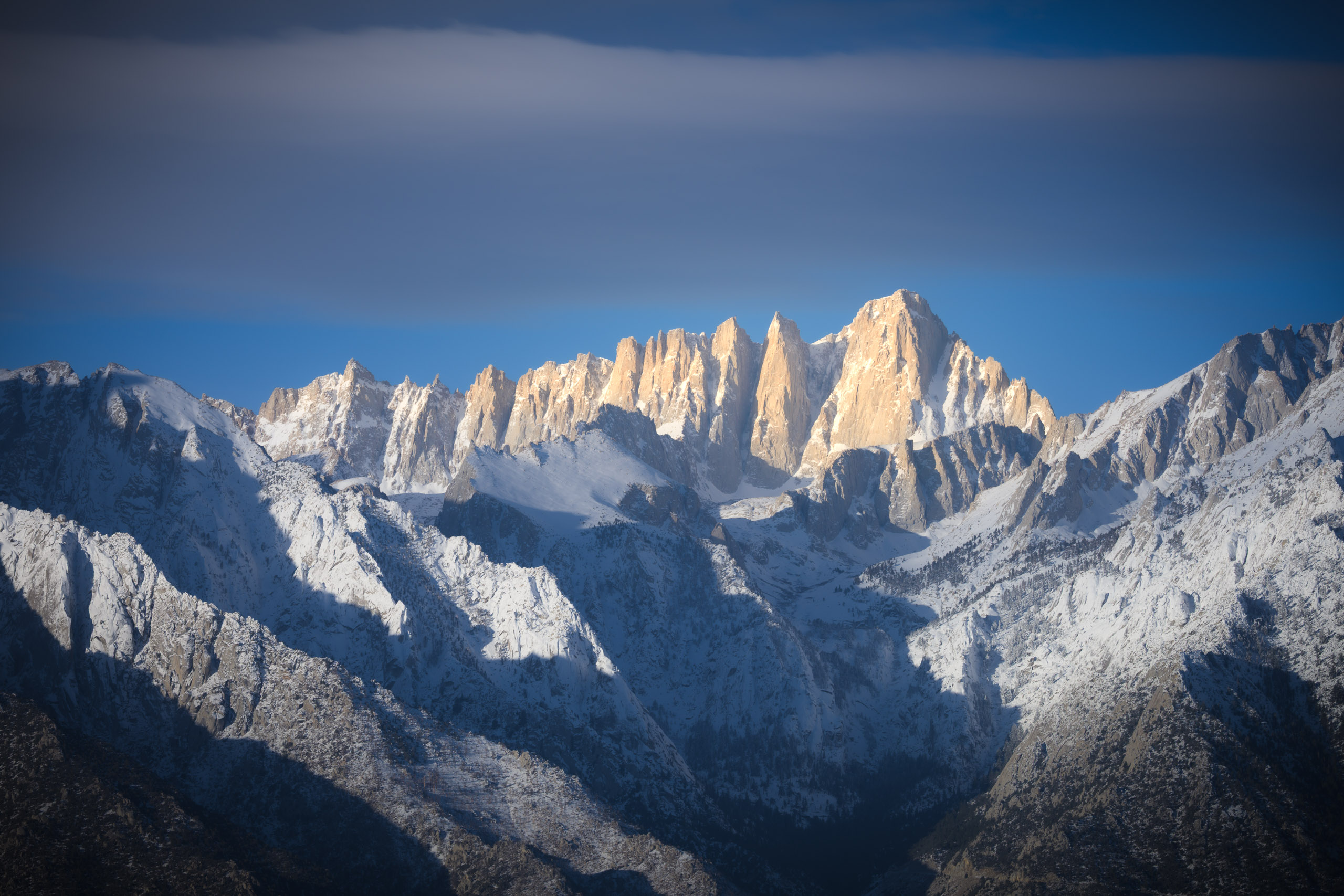
Applying Depth, Color Separation, and Selective Detail to Compressed Mountain Scenes
In this bonus walkthrough, we examine a telephoto winter capture of Mount Whitney. While telephoto compositions lack the obvious foreground-to-background separation of wide-angle landscapes, you will learn how to create the illusion of depth through atmospheric effects. You will build a cool, understated tonal baseline so warm directional light, selective detail reduction, and atmospheric haze make the main peak stand out with powerful presence.
Chapter 3: Mesquite Sand Dunes
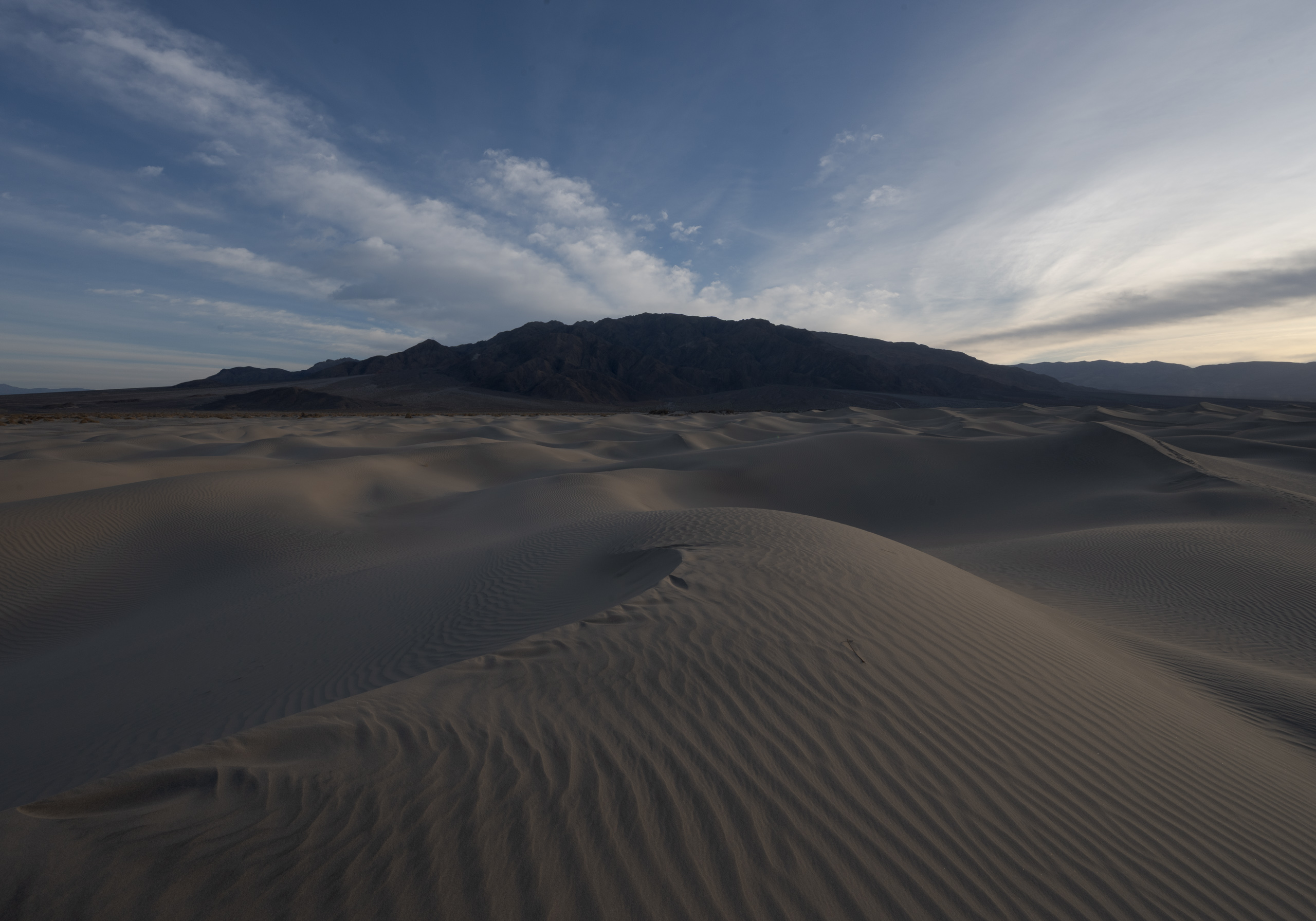
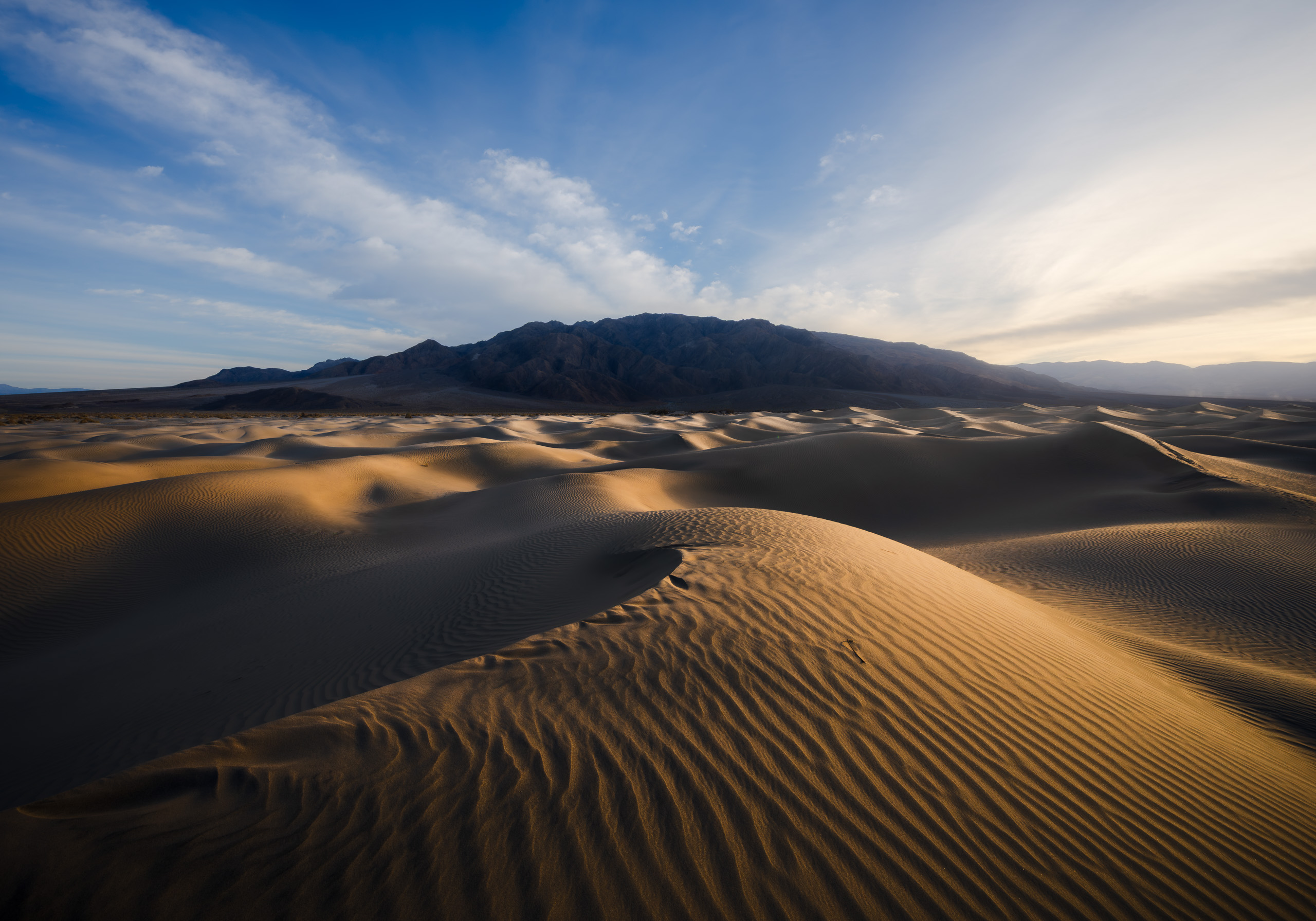
Bring Back the Magic When Clouds Snuff Out Golden Hour Light
In this lesson, we tackle a classic dilemma at Death Valley’s Mesquite Sand Dunes: finding an incredible composition right as passing clouds snuff out the direct sunlight. Rather than falling back on heavy-handed global sliders that brighten everything equally, you’ll learn how to use classic painterly principles to sculpt warm, glowing sunlight across the dune ridges and create unmistakable three-dimensional depth.
Chapter 4: Center Basin
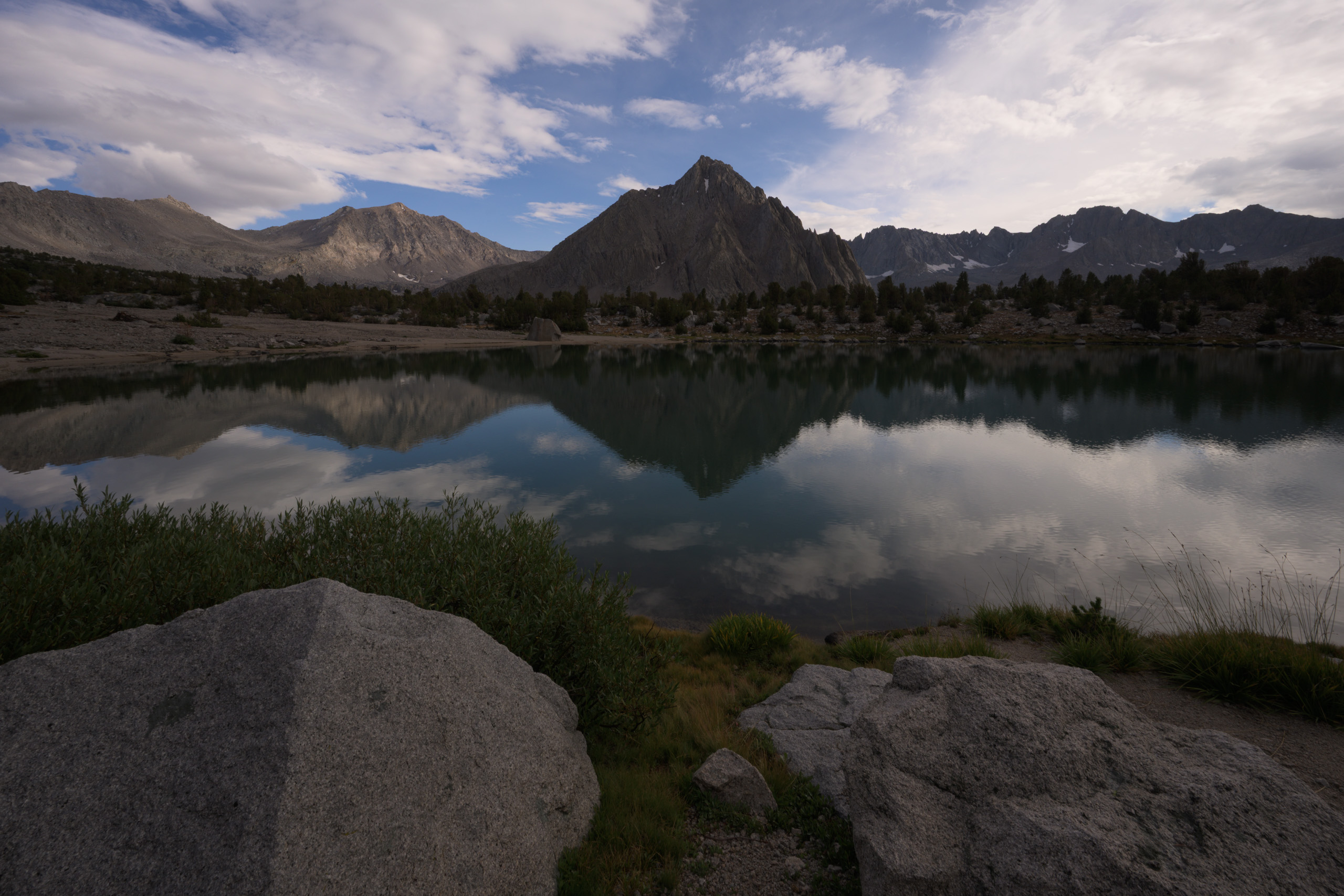
Transform Flat, Underexposed Mountain Reflections into a Dimensional Painterly Scene
In this walkthrough, we visit an alpine lake in Kings Canyon National Park where passing clouds blocked out the sun, leaving a strong wide-angle composition looking flat and underexposed. Rather than relying on traditional processing that makes distant peaks look gritty and pasted into the landscape, you’ll learn how to use atmospheric separation, targeted lighting, and selective contrast to guide the viewer’s eye directly to the central peak.
Picture This…
You open a photo from your last trip. At first, it’s flat. Lifeless. Boring. Just a snapshot. But as you apply The Painter’s Touch, the magic happens:
Light spills across the peaks. Atmosphere builds across the distant layers. Colors sing in harmony. The whole image breathes with depth and elegance.
It’s no longer just a photograph. It’s a work of art.
4 Step-by-Step Video Lessons – Watch as entire images transform from flat RAWs into painterly landscapes.
Instant download - the bonus package is available for you to download as soon as you check out.
Downloadable raw files – Edit alongside me for hands-on learning.
1 hour & 40 minutes of painterly processing instruction in Lightroom Classic (also works for Adobe Camera Raw and Lightroom Mobile).
Closed Captions for every lesson so you can watch in silence.
Guided learning at your own pace. You can start and stop the course whenever you like, watch lessons as many times as you want, and skip around in the course curriculum.
Lifetime Access – Revisit the lessons anytime, forever.
Who This Is For
This course is perfect for:
Landscape photographers who want to move beyond “pretty” into powerful and evocative.
Lightroom users who want more control and artistry in their edits.
Photographers inspired by classic art and the romance of the natural world.
No advanced Photoshop skills required. Everything happens inside Lightroom Classic. The same tools and approach can be applied to Adobe Camera Raw.
Frequently Asked Questions
How long do I have access to the course?
This course is downloadable, which means you have instant, unlimited access to this course for as long as you like, across any and all devices you own.
Can I download the course videos, PDFs, and bonuses?
Absolutely! Every demonstration, raw file, and PDF is available for you to download.
What software programs does this course work for?
This course was developed for Adobe Lightroom Classic (2025 or newer). It also can be fully used in Lightroom (Cloud Version) and Adobe Camera Raw, though the keyboard shortcuts and tool application may be different.
Beyond that, the core concepts I teach about how to work with light, color, and detail are universal and will transfer to other editing programs. If you want to try to apply the ideas to your editing program of choice, go for it! If you can’t make it work I will happily refund you.
Is this course for the hearing impaired?
Yes! The course comes with English Closed Captions so you can read the captions instead of listening.
Do I need to buy The Painter’s Touch in order to use these tutorials?
These video lessons offer complete start-to-finish workflows and can be followed with no prior knowledge. However, to best understand the principles I talk about in these lessons, you should watch The Painter’s Touch course first in order to have the full context.
Can I pay with PayPal?
Yes you can. You will see the PayPal option on the checkout screen.
What if I am unhappy with the course?
I have a full 30-day refund policy. If you have completed at least three lessons and are unsatisfied with your purchase contact me and I will give you a full refund.
30-day “If I can’t teach you photography I don’t deserve your money” guarantee
I’ve helped thousands of people improve their photos. Here’s how I can help you.
I’ve been teaching photography for over 15 years. In the beginning I was teaching only myself. But as I began to understand what made a good photo I quickly moved on to assisting other photographers on their workshops, and then to teaching my own. Since then I’ve instructed thousands of photographers in person in some of the most beautiful places in the world.
But I didn’t stop there. I also created Joshua Cripps Photography, one of the most popular photography channels on YouTube, which has over 300,000 subscribers and 10’s of millions of video views.
Throughout these years of teaching (as well as refining my own photography) I’ve learned a lot about what makes a good photo and what doesn’t.
I’ve also come to realize when you’re learning post processing you need more than just endless tips and confusing techniques. You need practical approaches, step-by-step processes, and go-to ideas about how to craft a winning image. You need a framework to start from that you can build your own creative ideas off of.
That’s why I created The Painter’s Touch. To give you a repeatable process you can use to create powerful, elegant photos using the tools available in Lightroom.
This course lays out the process in black and white. There are 9 lessons teaching you a complete painterly processing workflow.
Loved By Photographers
Hi Josh, [This was] an informative and helpful perspective on the most important of photographic topics: composition. And worth it for the solid gold that is Part 4 alone.
After photographing for eleven years and participating in over 30 pro-led multiday and one day workshops, (several of Josh’s), I was skeptical. Really there is always something to learn or reinforce about nature photography. The take away I MUST remember is to look at all the angles of a scene and pay attention to what is under my feet that could be an interesting foreground. Thanks, Josh, for taking me on your mind’s eye journey to capturing those mind-blowing photos.
Hi Joshua,
You do not know me, but my husband and I follow you.
I am completely blown away! The time and effort you took to put words to your careful and creative ways of approaching the making of a compelling landscape composition is commendable. [It] is absolutely clear, incredibly helpful, and delightfully uncomplicated. It is additionally accompanied by excellent photographic examples of exactly what you are describing.
I am truly inspired to go out and make photographs that are genuinely mine – not ones I loved that someone else made. I find landscape photography to be very challenging (in a good way) and very addicting at the same time. You just blessed me with this clear, concise, and inspiring instruction for creating powerful landscape compositions!
Thank you so much – hope to head for the Eastern Sierras in October and Yosemite in November ready to apply!
Hi Joshua,
Not only are you a great photographer, but more importantly to me, you are a great teacher. I have been impressed with the depth, organization and content of your zoom presentations that I have seen. Consequently, I am not surprised by the quality of [Landscape Composition Secrets].
I like the approach that it’s not about the rules, but instead it is about a process. It is [given] in a friendly conversational way that keeps your attention. It emphasizes the point of not planting your feet in one place, but moving around to identify photographic elements to help you visualize how to combine them for a powerful image. I really appreciate the multiple images of the same area, that Joshua uses to show his thought process to select a perspective to photograph.
Hi Josh,
I enjoyed seeing how you think and reason out possible compositions. Often my head gets clogged up with the rules and tips, just making the process more difficult, more time consuming and honestly starts to take the fun out of it. I am an enthusiastic hobbyist living in New Hampshire, and really enjoy going out in nature and seeing what there is to see. I will begin to apply what I have learned and I'm thinking it will make my outings that much more enjoyable.
Thanks again Josh, keep up the great work!
Thanks so much for this, Joshua…
Really good information for making composition more deliberate…
This will change the way I work when I’m out in the field!
This is an excellent...approach to visioning and composing good images. The basic suggestions and steps you outline in the book are appropriate for beginning as well as advanced photographers. The example images are excellent accompaniments to the points you make. As expected, you have done a great job of sharing insight into your talent and depth of creativity to those you inspire.
BEAUTIFUL PROCESSING
DOESN’T HAVE TO BE A MYSTERY
Stop wishing for better photos and get started today. The Painter’s Touch will walk you through a proven process for crafting gorgeous, painterly photos. You’ve already spent thousands of dollars on your camera, lenses, tripod, and accessories. Now invest in the skills and techniques to bring your artistic vision to life.
This website uses cookies to provide the best experience. You can adjust your settings here. Cookie settingsACCEPTRead More
Privacy & Cookies Policy
Privacy Overview
This website uses cookies to improve your experience while you navigate through the website. Out of these cookies, the cookies that are categorized as necessary are stored on your browser as they are essential for the working of basic functionalities of the website. We also use third-party cookies that help us analyze and understand how you use this website. These cookies will be stored in your browser only with your consent. You also have the option to opt-out of these cookies. But opting out of some of these cookies may have an effect on your browsing experience.
Necessary cookies are absolutely essential for the website to function properly. This category only includes cookies that ensures basic functionalities and security features of the website. These cookies do not store any personal information.
Any cookies that may not be particularly necessary for the website to function and is used specifically to collect user personal data via analytics, ads, other embedded contents are termed as non-necessary cookies. It is mandatory to procure user consent prior to running these cookies on your website.
Thanks for your order. Please wait a moment while we process your payment.